Register, Sign In and Verify Your Account in the UK

Spin My Win Casino registration gives you access to real-money casino games and sports betting in the United Kingdom. The sign up flow is short, and login lets you place bets and manage your account on the website and the mobile app. Verification protects your balance, confirms your identity for UK rules, and is required before withdrawals. You can get a welcome bonus on your first three deposits: 12% from 20 EUR, 15% from 50 EUR, and 17% from 100 EUR. Customer support is available if you need help at any step.

Complete registration at Spin My Win Casino and claim your reward today.

How to Sign Up and Register Online

5 steps

To register online at Spin My Win Casino, you can create your account in minutes. Follow these steps.

Step 1

Start

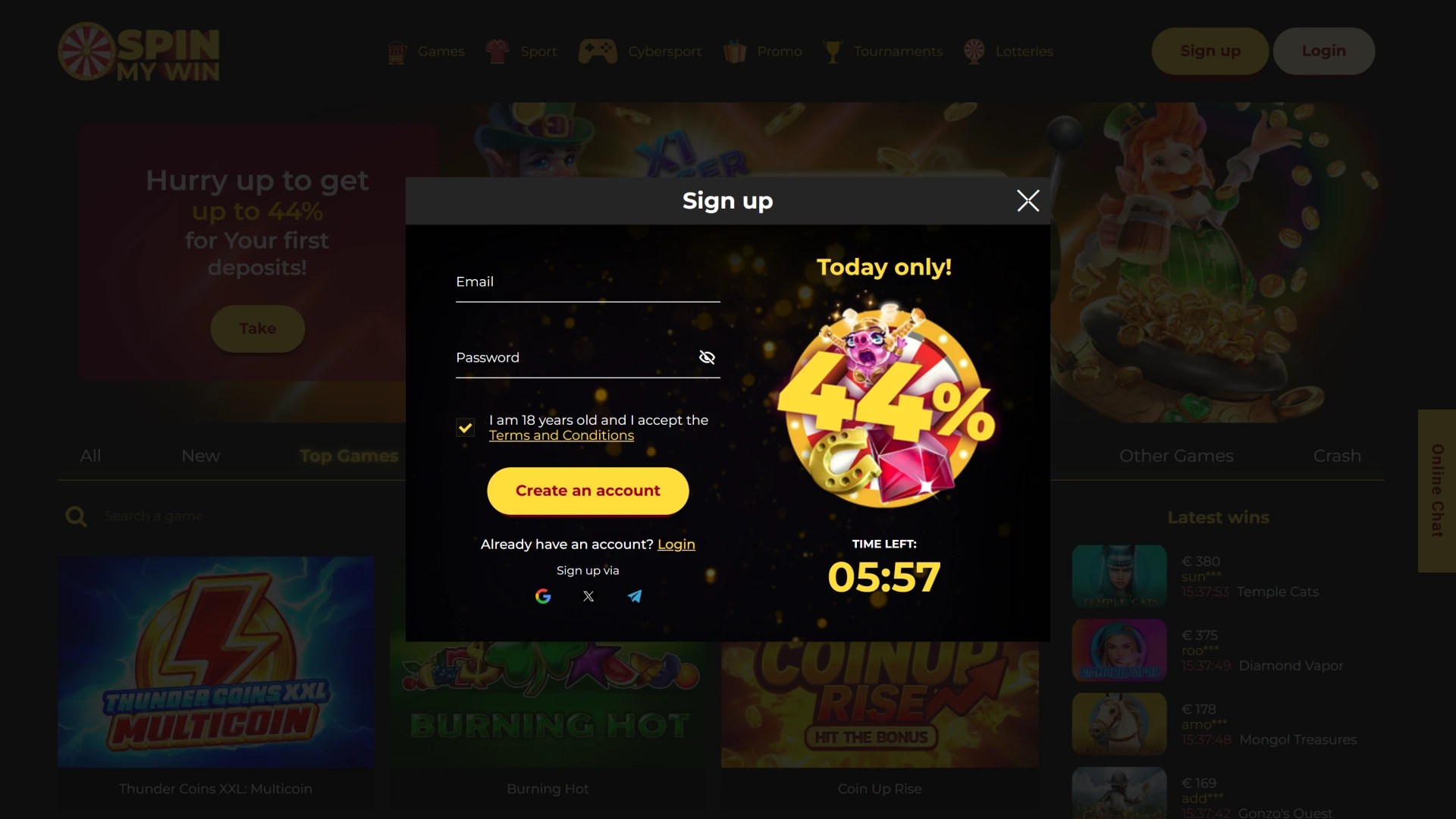
Click the button below to begin registration.

Start registration on the Spin My Win Casino sign up page.
Step 2

Choose method

Sign up by email, mobile number, or social sign in (Apple or Google) where offered.

Select registration method during Spin My Win Casino sign up.
Step 3

Enter details

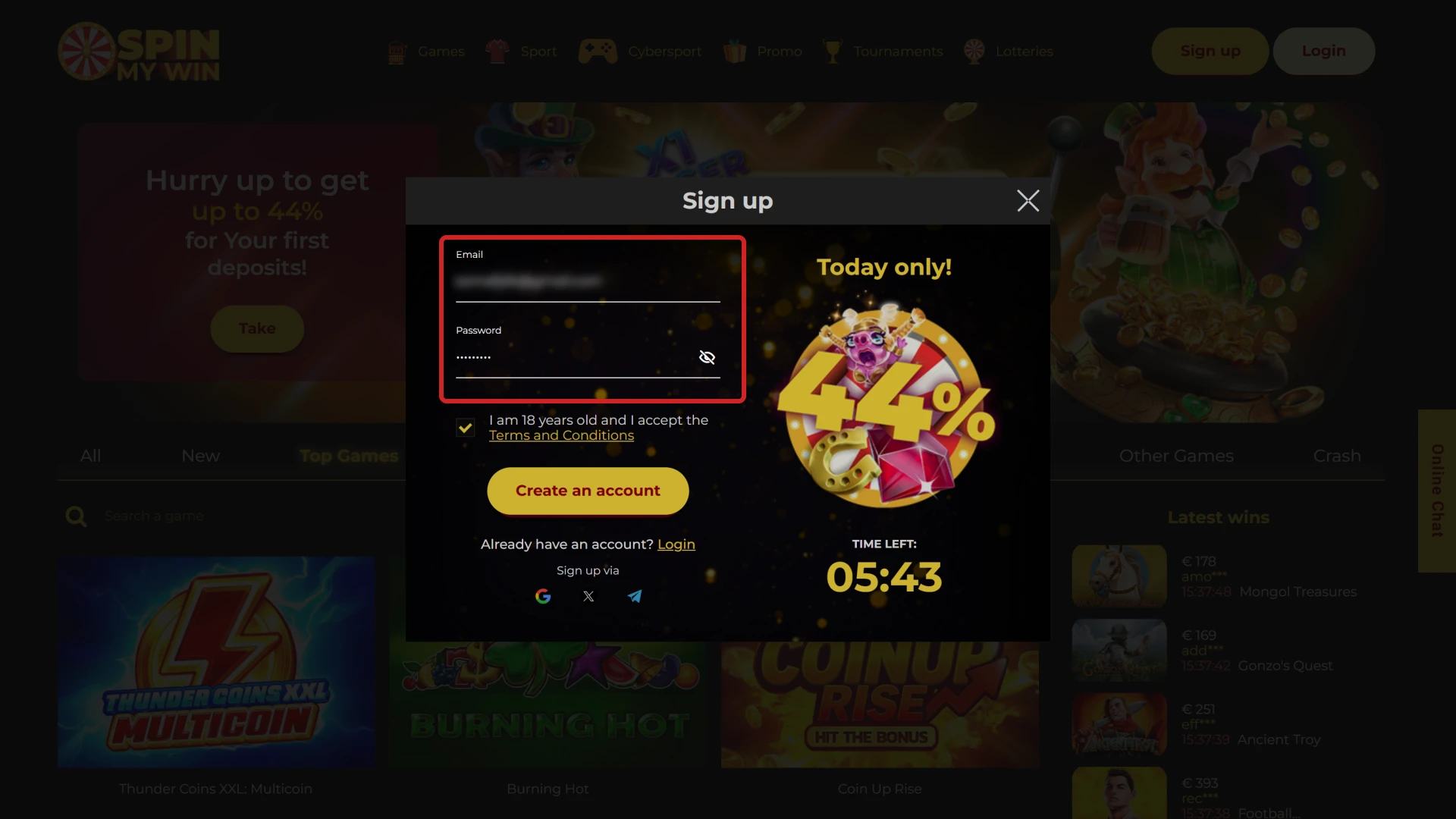
Add your full name, date of birth, UK address, and email/mobile. Set a strong password.

Provide personal details for Spin My Win Casino sign up.
Step 4

Confirm

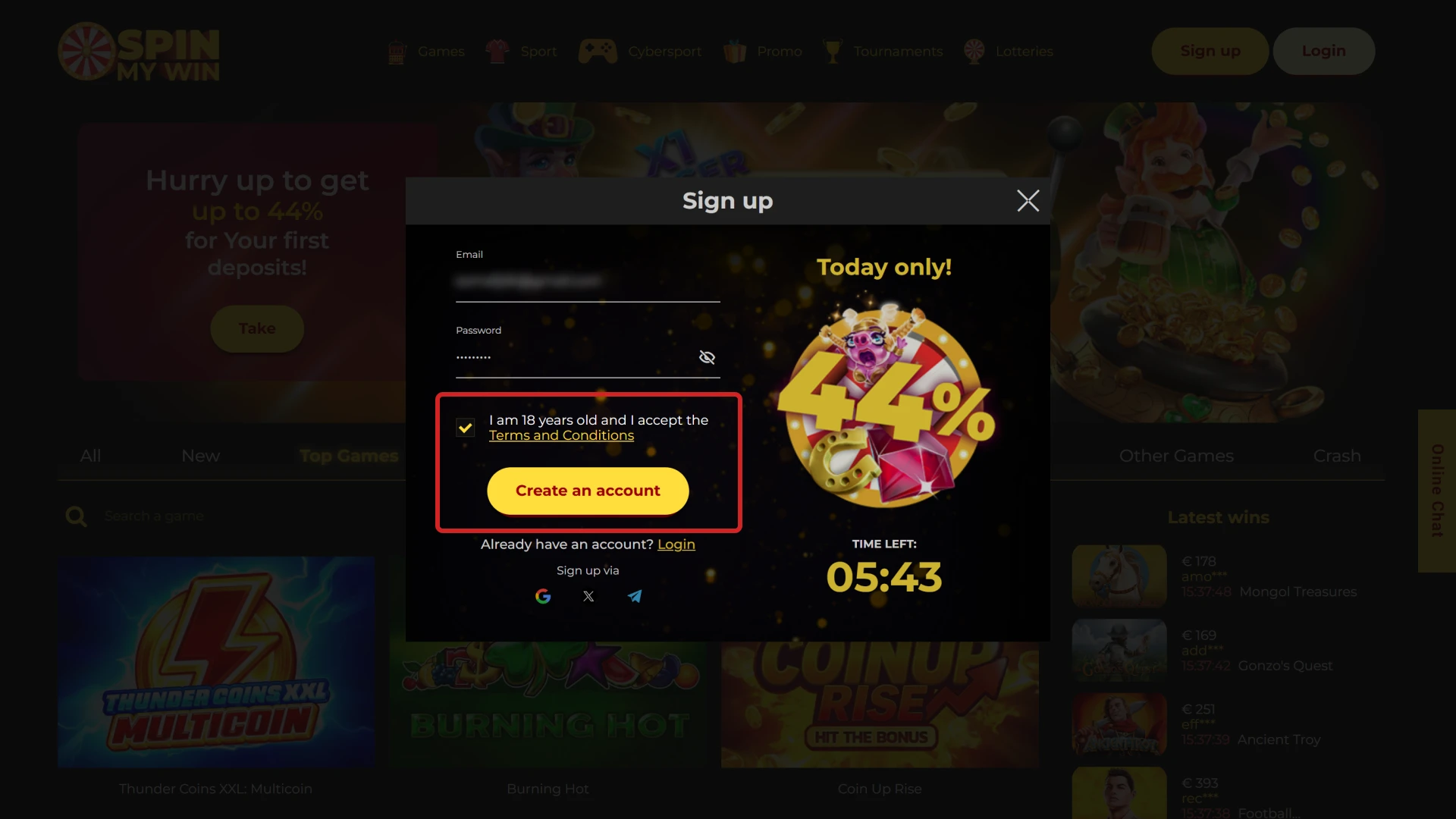
Accept the terms, confirm you are 18+, and choose your marketing preferences.

Confirm details entered during Spin My Win Casino sign up.
Step 5

Complete

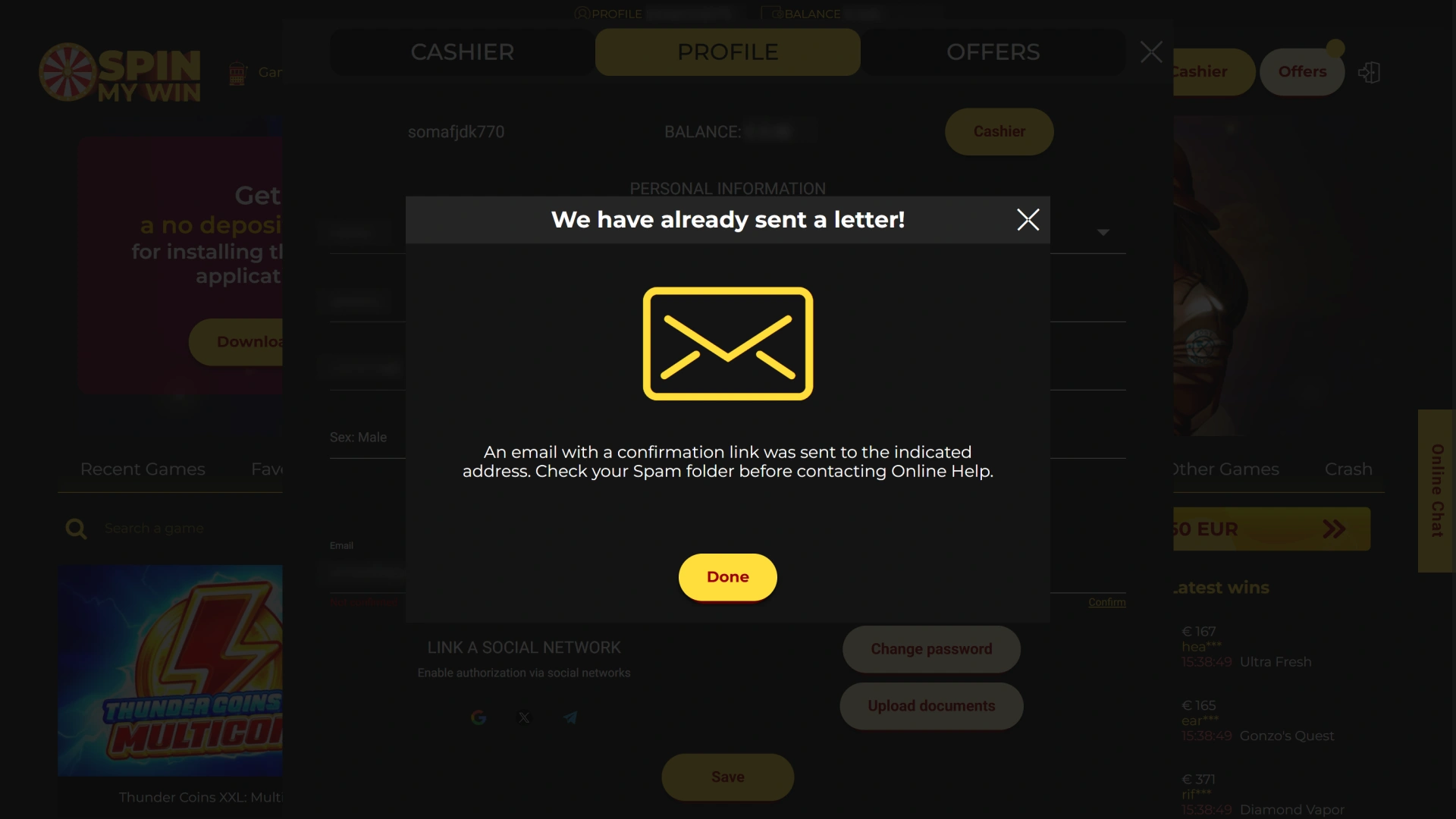
Submit the form. Check email or SMS for a confirmation link or code if prompted.

Submit sign up form to finish Spin My Win Casino registration.

Register on the Mobile App

5 steps

Registration on the app mirrors the website and is optimised for small screens. You will need the same details and must meet UK requirements.

Step 1

Open the app

Tap Create account or Join on the home screen.
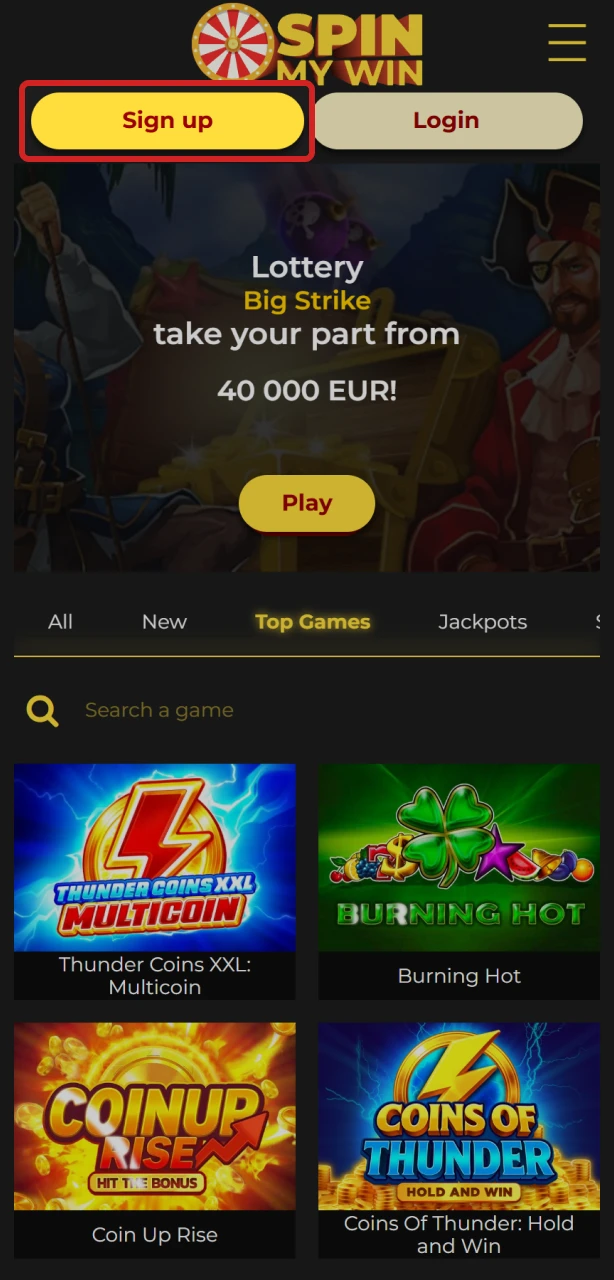
Open the Spin My Win Casino app on your mobile device.
Step 2

Pick method

Use email, mobile number, or social sign in where available.
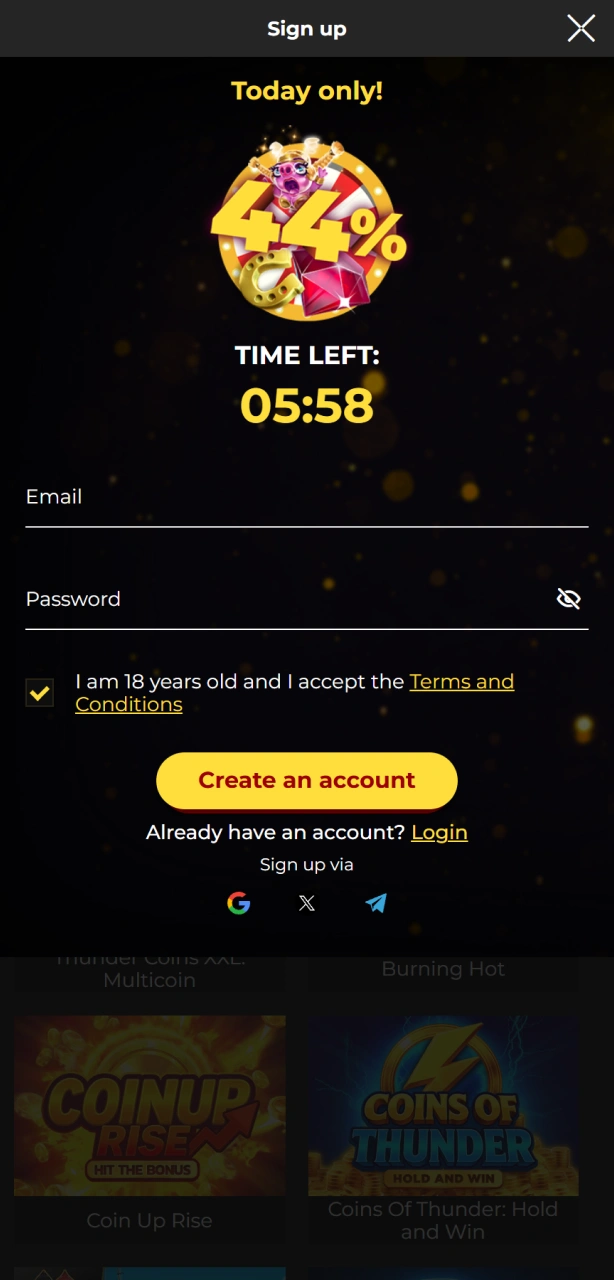
Pick your preferred sign-up method in the Spin My Win Casino app.
Step 3

Add details

Enter personal info, UK address, and create a password.
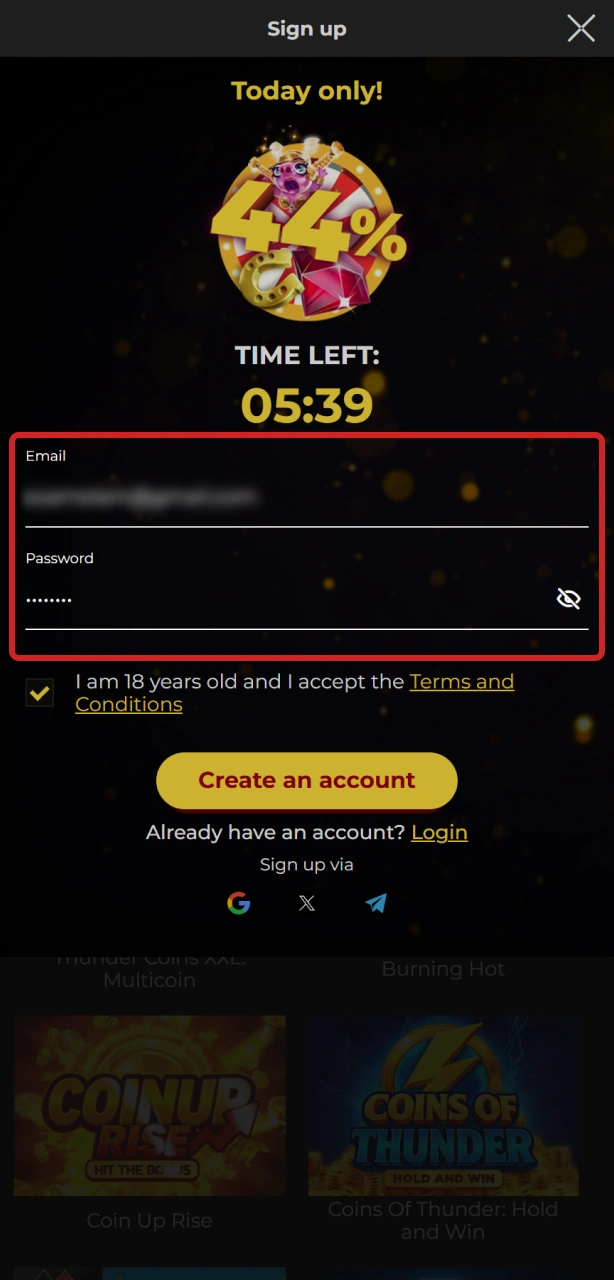
Add your personal details to complete the Spin My Win Casino app registration.
Step 4

Confirm

Accept the terms, confirm 18+, and tap Continue.
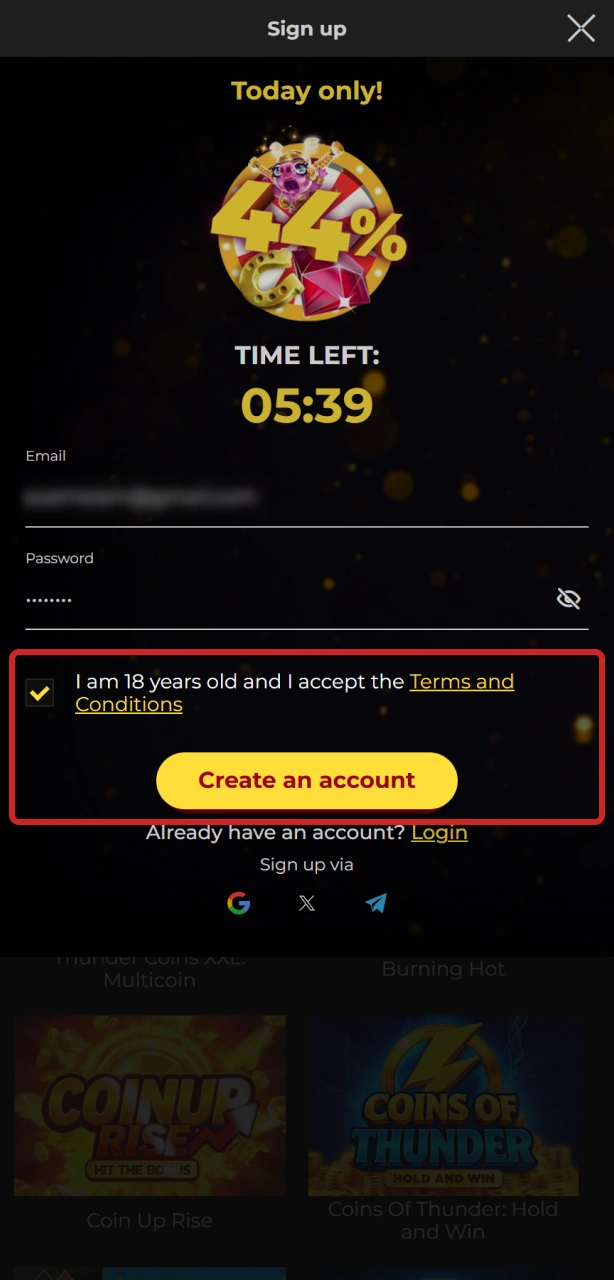
Confirm your information to finalize registration on the Spin My Win Casino app.
Step 5

Verify

Approve the email or SMS code if asked, then explore games and markets.
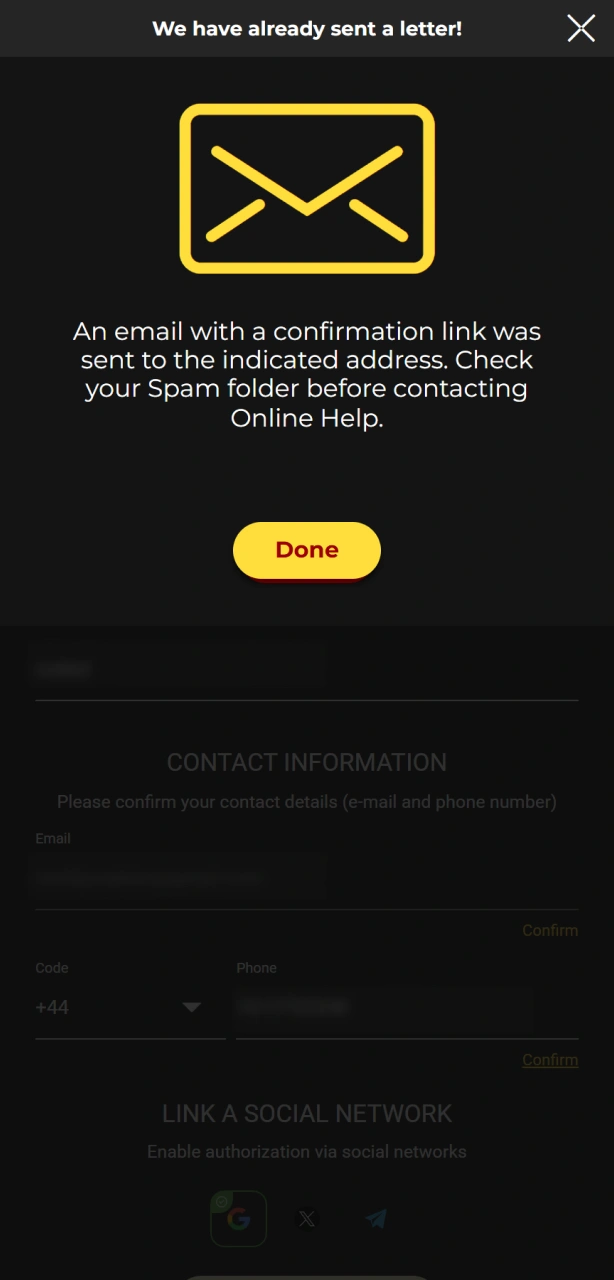
Verify your account to start playing on the Spin My Win Casino app.

Who Can Register: UK Requirements

Register at Spin My Win Casino to meet the official UK age and location requirements.

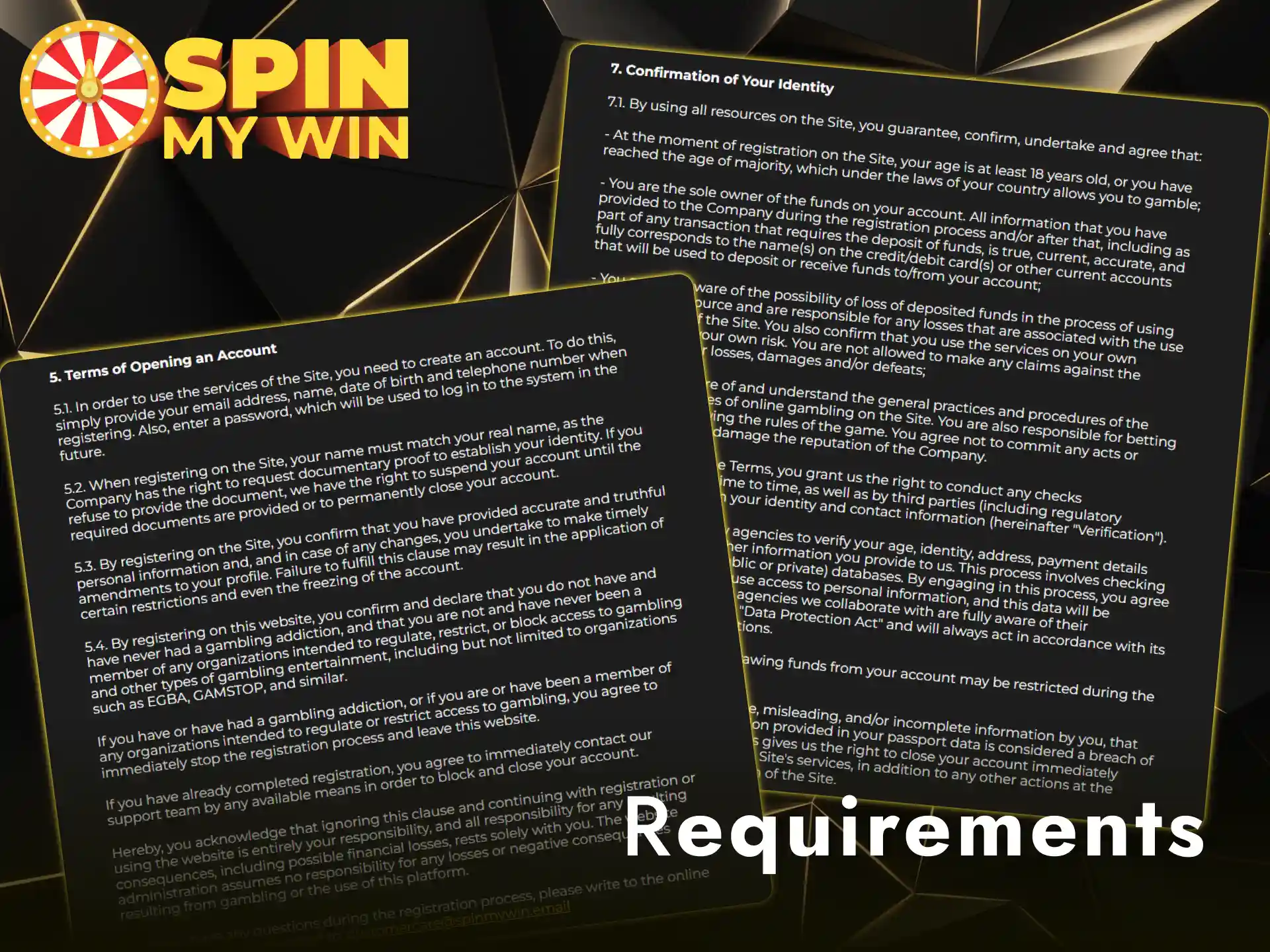
Registration on this site follows UK gambling rules. You must be an adult and provide accurate personal details. Documents are needed to confirm identity and address. One person can hold one account only. Payment methods must be in your name.

  1. Age and location: You must be 18+ and located in the United Kingdom when you play.
  2. One account: Only one account per person, device, and household.
  3. Accurate info: Enter your legal name, date of birth, and current UK address that match your documents.
  4. Documents: Provide a valid photo ID, recent proof of address (dated within 3 months), and payment method proof when asked.
  5. Your funds only: Use cards and e-wallets in your own name. Third-party payments and VPNs are not permitted.

KYC: Account Verification Steps for UK Players

5 steps

Verification is required under UK rules to confirm identity and protect your account. It enables deposits, withdrawals, and responsible limits. Spin My Win Casino account verification is faster when documents are clear and complete.

Step 1

Identity check

Upload a passport, UK driving licence, or national ID. All details must be visible.
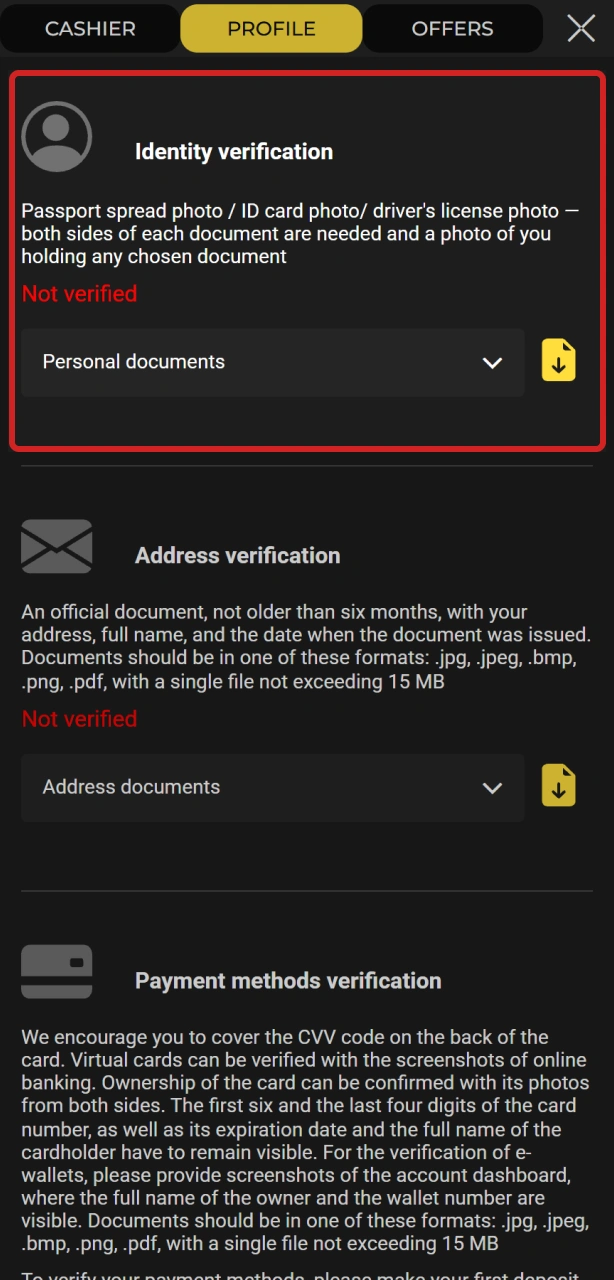
Upload photo ID for Spin My Win Casino identity verification.
Step 2

Address check

Upload a recent utility bill or bank statement showing your name and UK address.
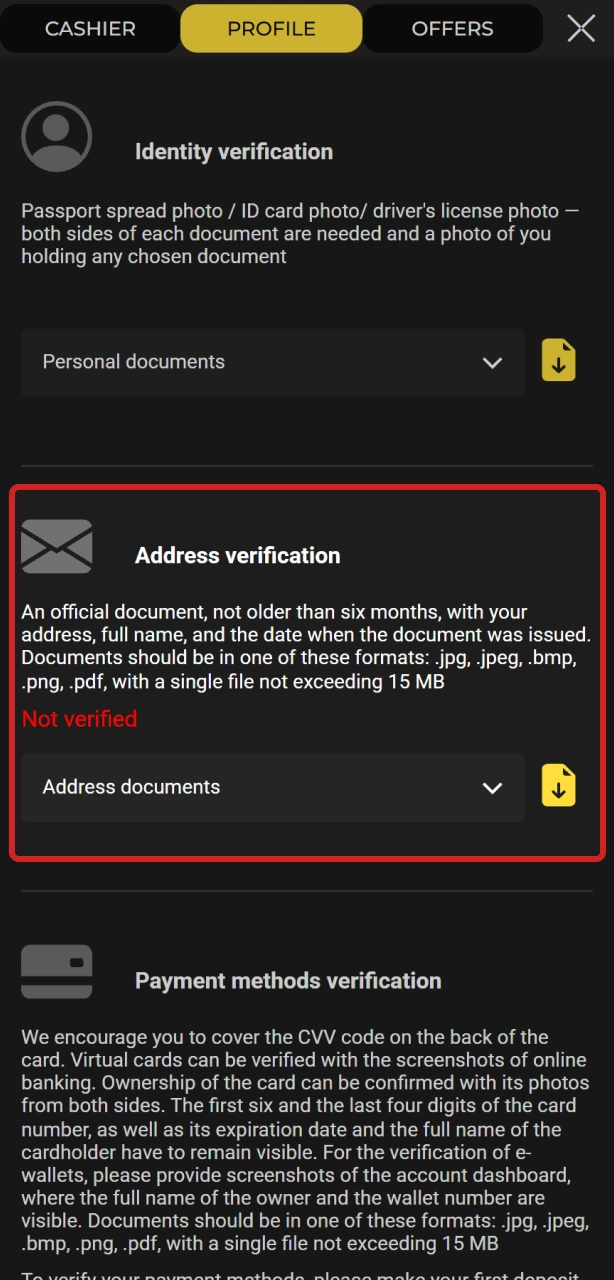
Submit proof of address for Spin My Win Casino verification.
Step 3

Payment method check

Provide a masked card photo or e-wallet/bank statement screenshot that shows ownership.
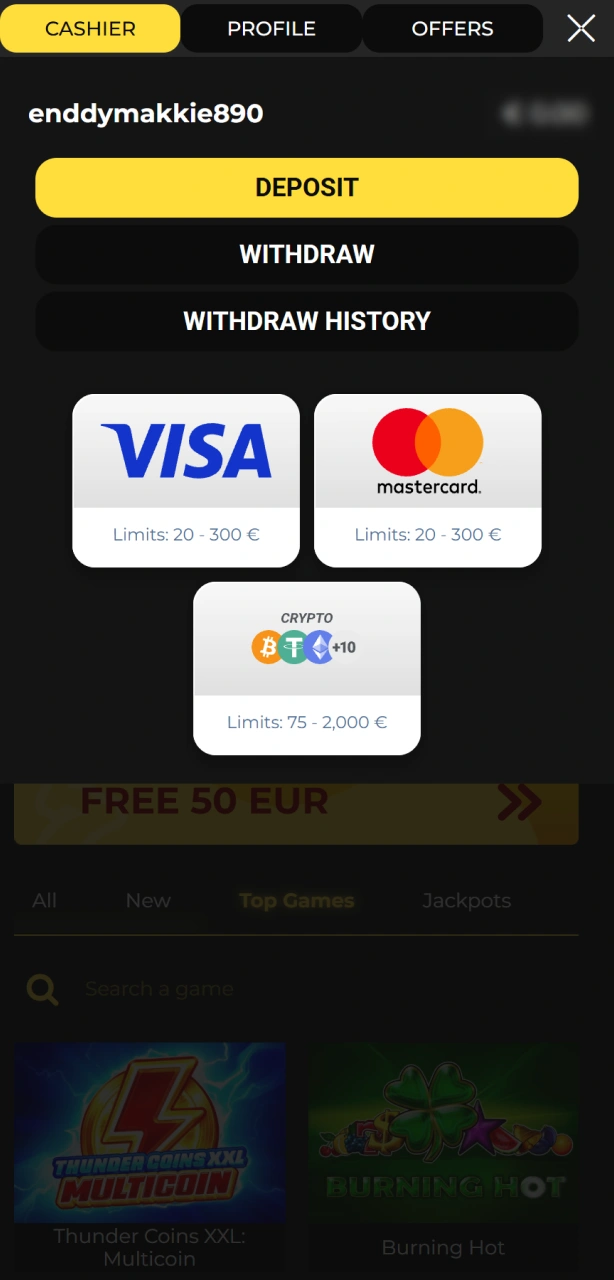
Confirm payment method details during Spin My Win Casino verification.
Step 4

Source of funds (if requested)

Share payslips, tax statements, or savings evidence.
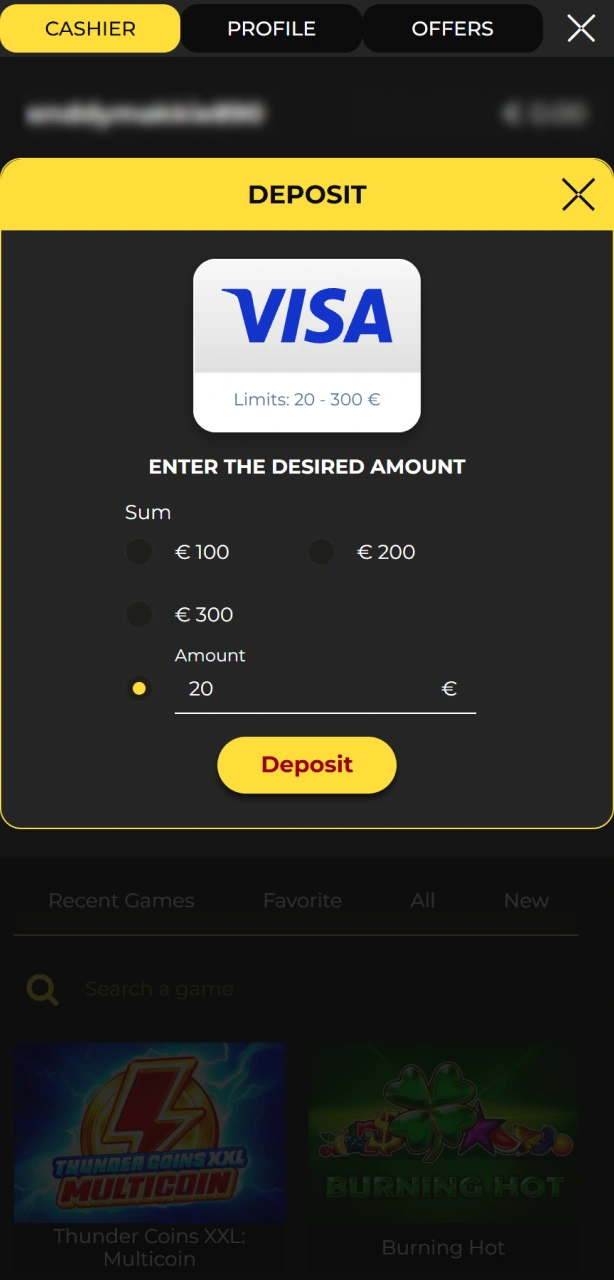
Provide source of funds documents for Spin My Win Casino verification.
Step 5

Final review

You will receive confirmation by email. If anything is missing, you will be asked for more info.
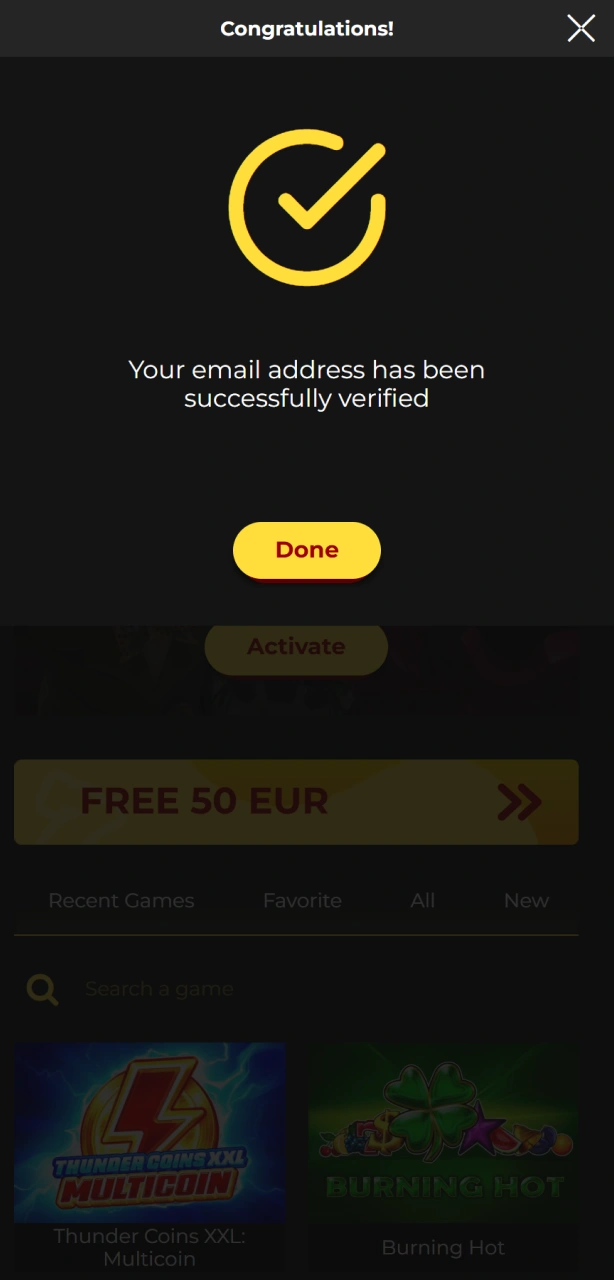
Complete the final review phase of Spin My Win Casino verification.

How to Sign In to Your Account

4 steps

You can access your gaming account in a few steps. Spin My Win Casino login supports email and social sign in options.

Step 1

Go to the site

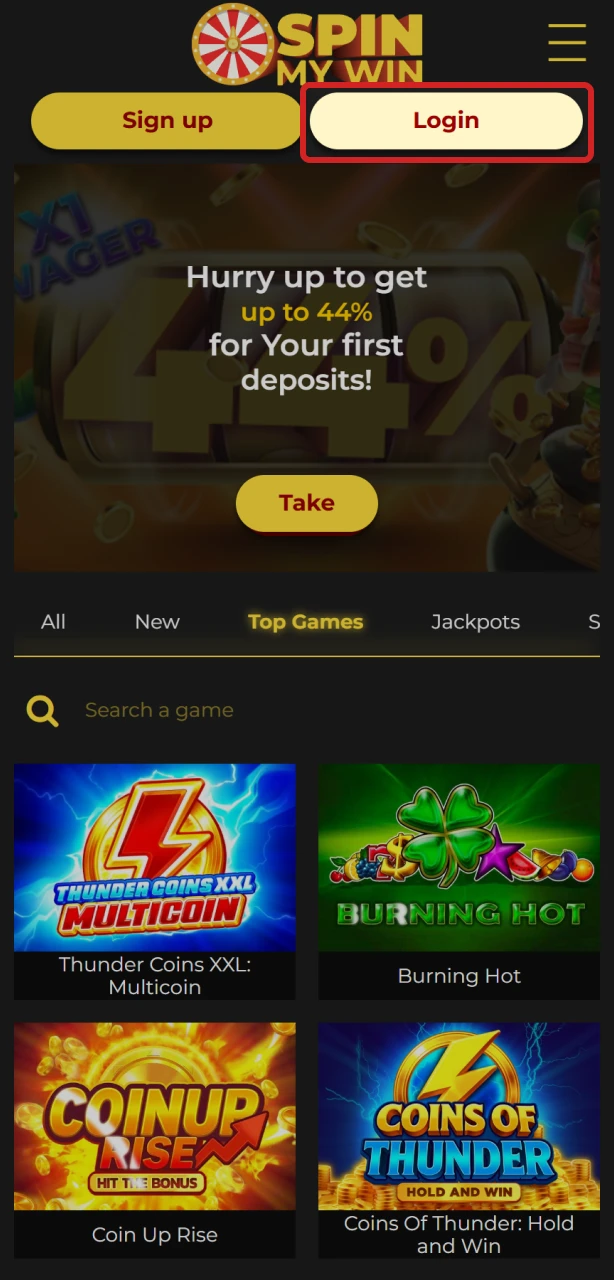
Select Sign in on the homepage.

Visit the Spin My Win Casino website to access your login page.
Step 2

Enter credentials

Use your email/mobile and password, then press Sign in.
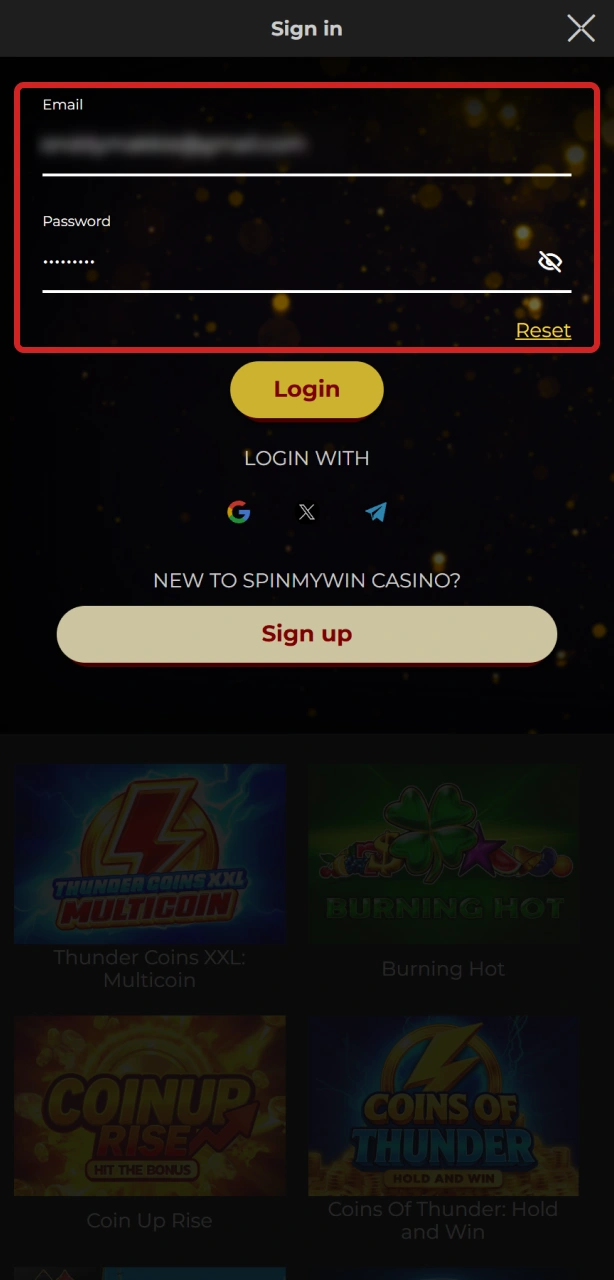
Enter credentials to sign in to your Spin My Win Casino account.
Step 3

Social sign in

Choose Apple or Google if you registered that way.
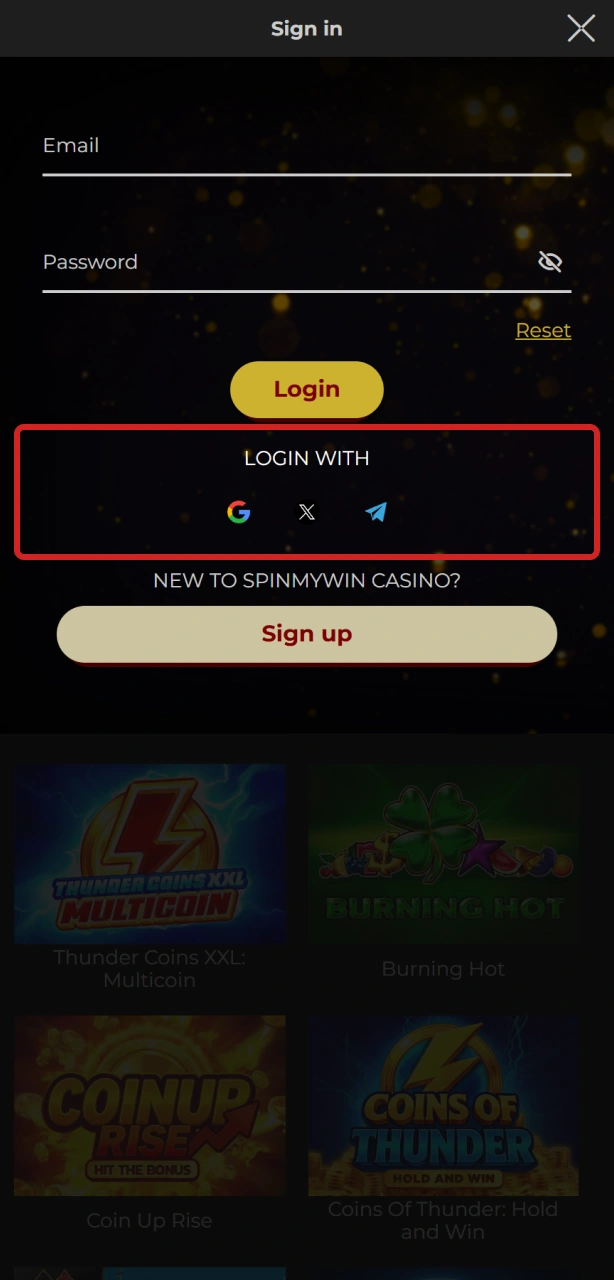
Use social sign in for quick Spin My Win Casino account access.
Step 4

App login

Open the app, tap Sign in, and follow the same steps.
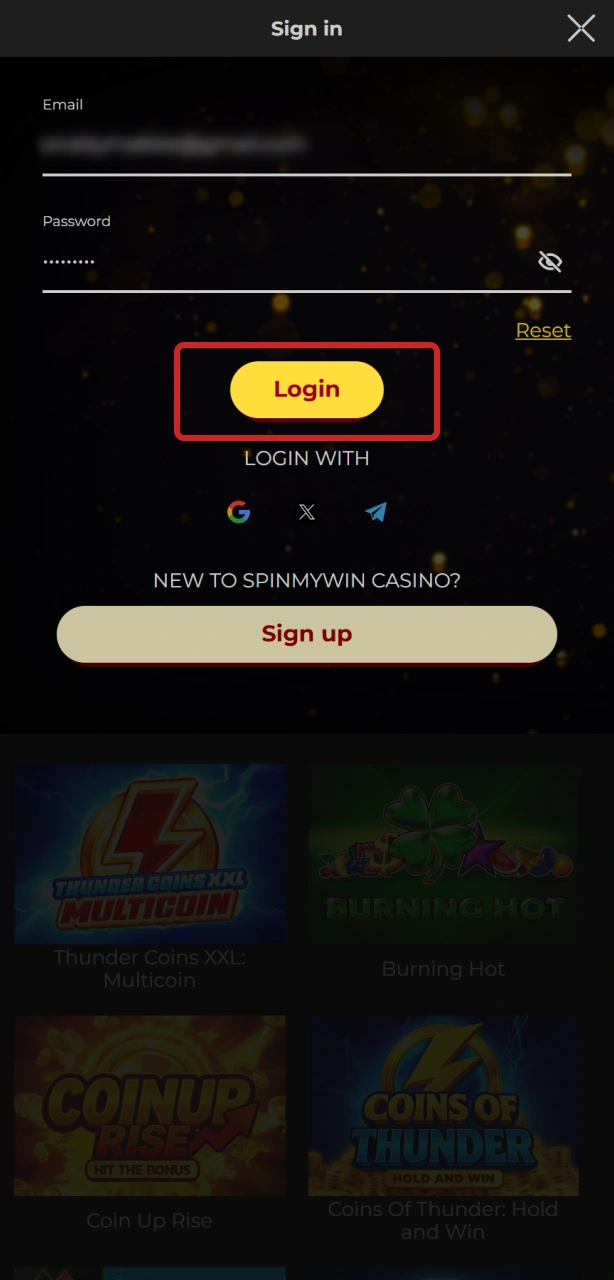
Log in via the mobile app to enjoy Spin My Win Casino games.

Welcome Bonus After Registration: Casino and Sports

Claim your Spin My Win Casino welcome bonus for casino and sports right after registration.

You can claim a three-part welcome bonus for casino and sports after you create your account. At Spin My Win Casino, the structure is: 12% on the first deposit from 20 EUR, 15% on the second from 50 EUR, and 17% on the third from 100 EUR. Wagering applies, and game weighting may vary by title.

  1. First deposit: 12% bonus. Minimum deposit: 20 EUR. Wagering: see the offer terms in your account.
  2. Second deposit: 15% bonus. Minimum deposit: 50 EUR. Wagering: see the offer terms in your account.
  3. Third deposit: 17% bonus. Minimum deposit: 100 EUR. Wagering: see the offer terms in your account.

18+. Bonus terms apply. Withdrawals are available once wagering is met.

How to Claim Your Welcome Bonus

4 steps

You can claim the welcome bonus during or after sign up in the cashier. Follow these quick steps.

Step 1

Register

Create your account and verify email/SMS if prompted.
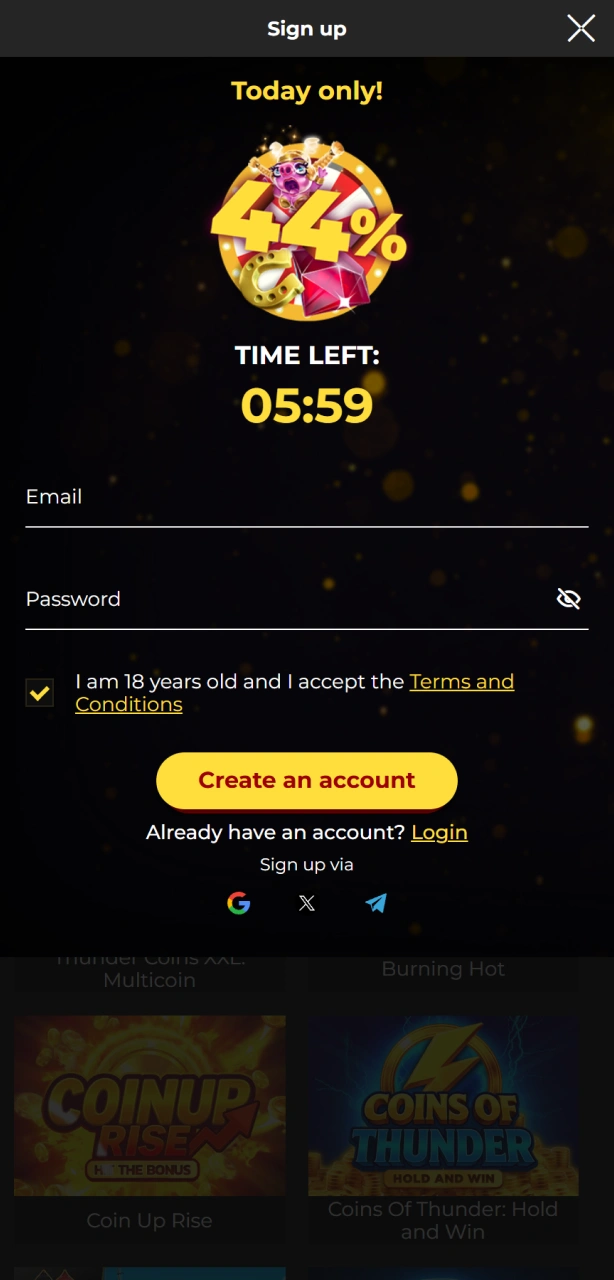
Register your account at Spin My Win Casino to claim the welcome bonus.
Step 2

Opt in

Select the welcome offer in the cashier if an opt-in is required.

Opt in to the welcome bonus offer on the Spin My Win Casino platform.
Step 3

Deposit

Add funds that meet the minimum for each stage.
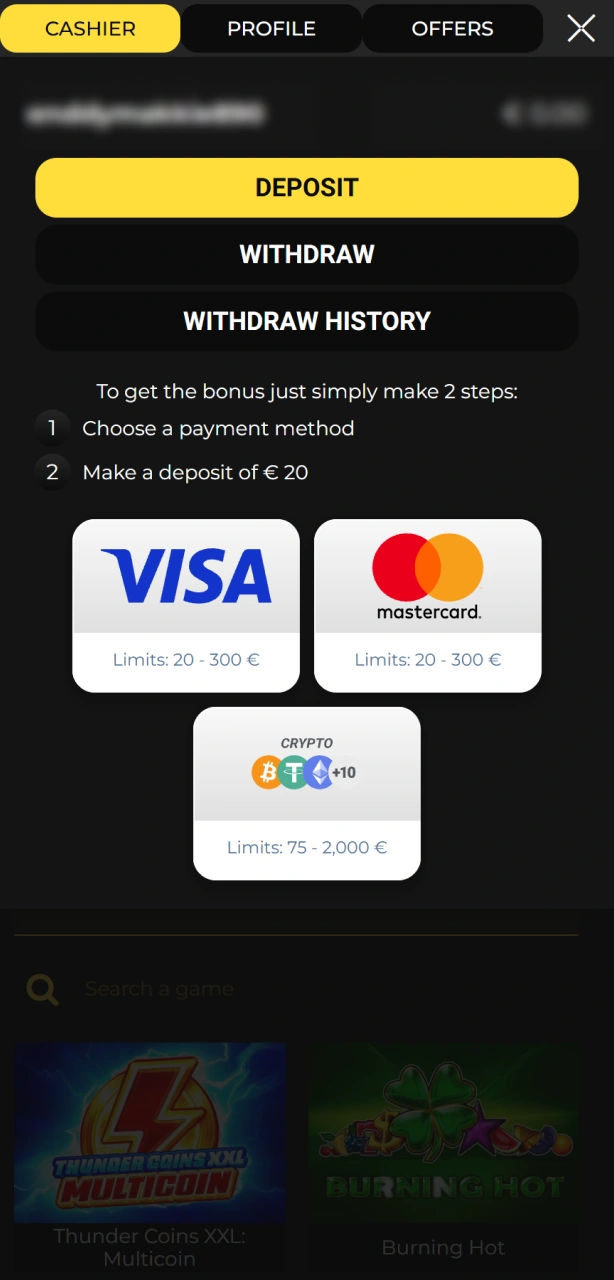
Make a deposit to unlock the Spin My Win Casino welcome bonus.
Step 4

Play

The bonus is credited after a qualifying deposit. Complete wagering before withdrawing.
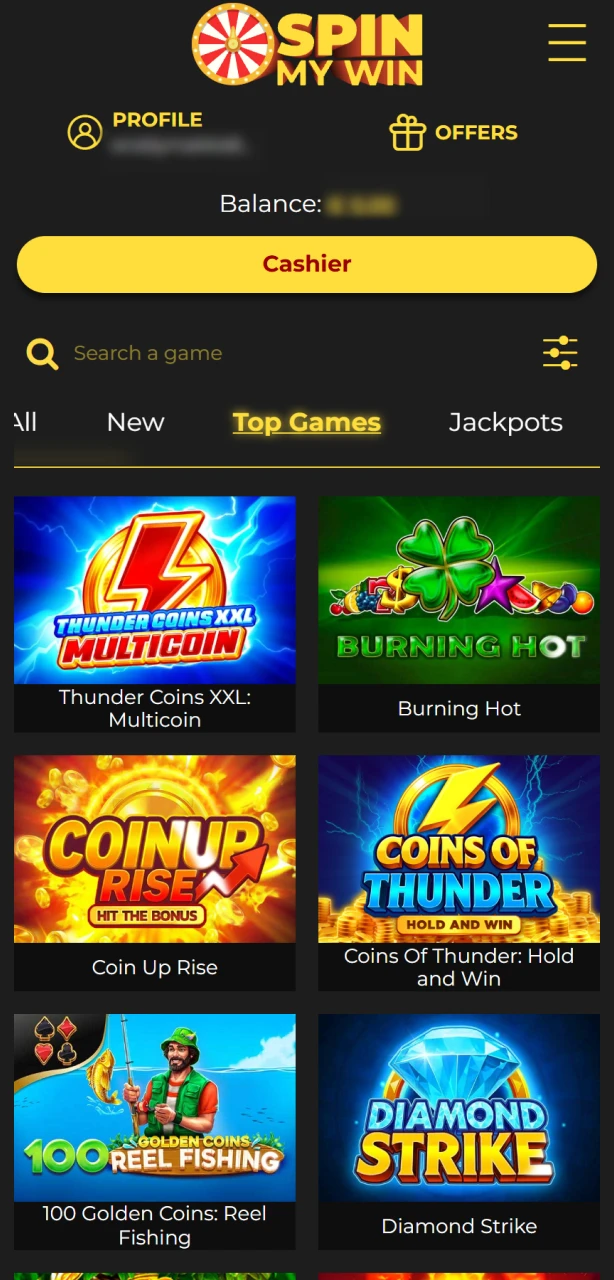
Play qualifying games with your welcome bonus funds at Spin My Win Casino.

Registration Problems and Quick Fixes

Troubleshoot login and registration issues on the Spin My Win Casino site.

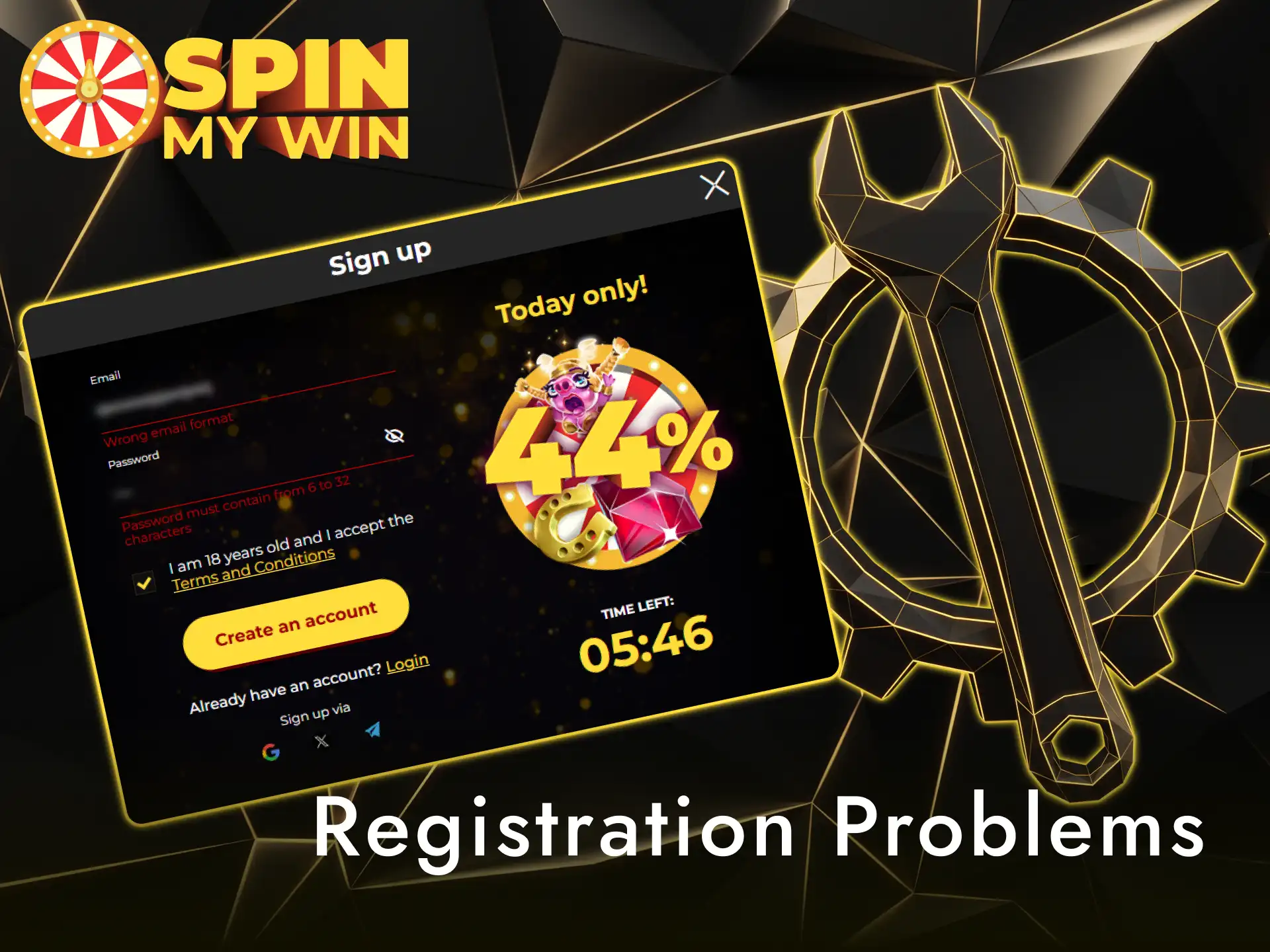
If you run into a problem, try the checks below or contact support. Here are common issues and what to do.
  • No verification email received: Check spam, request a new email, or update your email address in settings;
  • Address not accepted: Enter your full UK postcode and house number. Upload a clearer proof of address;
  • ID rejected: Use a colour image, show all four corners, and ensure the document is in date;
  • Duplicate account warning: Use account recovery. If it persists, contact support to review;
  • Payment method declined: Use a method in your name. Try another card or e-wallet and confirm bank security checks.

Forgotten Password: Recover Access

Reset your forgotten password to recover your Spin My Win Casino account.

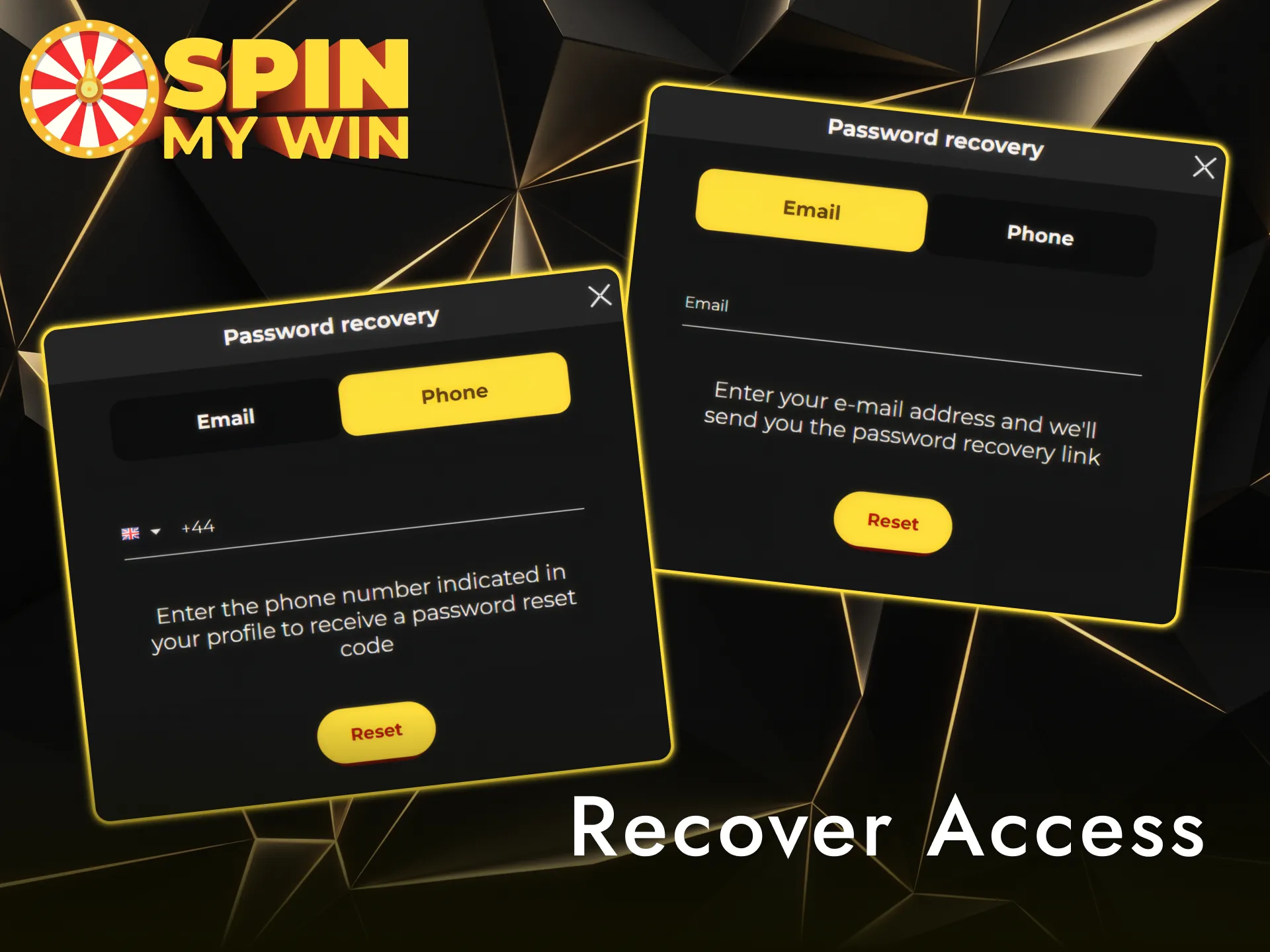
Resetting your password is straightforward. You can use email or SMS to regain access.

  1. Open Sign in and select Forgotten password.
  2. Enter your registered email or mobile number.
  3. Follow the link or code sent to set a new password.
  4. If you cannot access email or phone, contact support for a manual reset after identity checks.

Close or Delete Your Account

Contact support to request account closure on the Spin My Win Casino platform.

You can close your account if you no longer wish to gamble or for privacy reasons. For a break, you can request a time-out or self-exclusion via GAMSTOP.

  1. Go to Account settings or contact support to request closure.
  2. Choose the type: time-out, self-exclusion, or permanent closure, and give a reason.
  3. For data removal, submit a privacy request. Some data may be retained to meet legal obligations.
  4. Await confirmation by email before you consider the request complete.

FAQ

How long does verification take?

Most checks complete within hours once documents are clear. Times can vary during busy periods.

Can you enable two-factor authentication?

If available in settings, turn on 2FA for extra security. Otherwise, login codes may be sent by email or SMS when needed.

How do you change your email or address?

Update details in Account settings. You may be asked for fresh proof of address after changes.

What are the withdrawal timelines?

Processing starts after verification. Speed depends on your chosen payment method shown in the cashier.

Can you hold more than one account?

No. Only one account per person, device, and household is allowed. Extra accounts are closed.

Comments

The value is incorrect

The value is incorrect

The value is incorrect

Something went wrong. Please, try again later

Your comment has been sent!

Updated: