Open the app
Tap Create account or Join on the home screen.

Welcome package up to 44%
Spin My Win Casino registration gives you access to real-money casino games and sports betting in the United Kingdom. The sign up flow is short, and login lets you place bets and manage your account on the website and the mobile app. Verification protects your balance, confirms your identity for UK rules, and is required before withdrawals. You can get a welcome bonus on your first three deposits: 12% from 20 EUR, 15% from 50 EUR, and 17% from 100 EUR. Customer support is available if you need help at any step.
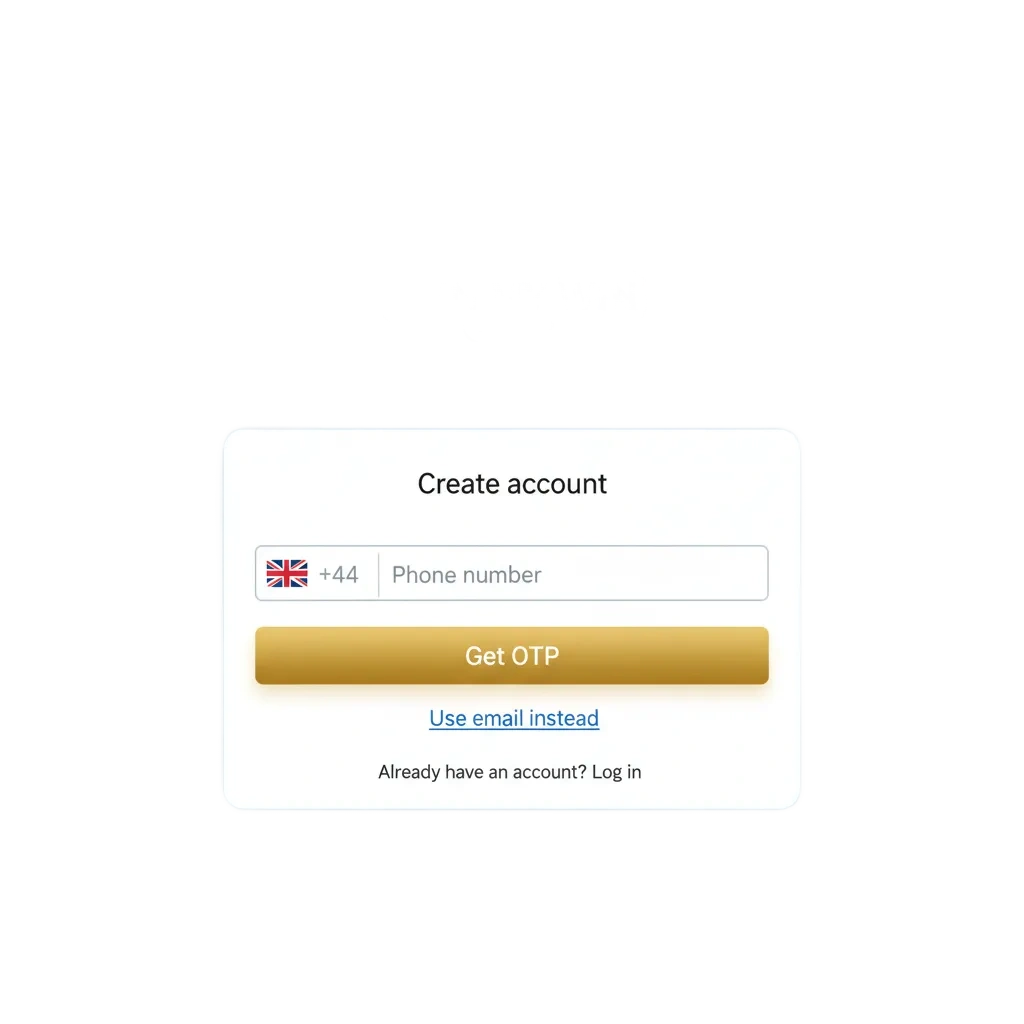
To register online at Spin My Win Casino, you can create your account in minutes. Follow these steps.
Click the button below to begin registration.
Sign up by email, mobile number, or social sign in (Apple or Google) where offered.
Add your full name, date of birth, UK address, and email/mobile. Set a strong password.
Accept the terms, confirm you are 18+, and choose your marketing preferences.
Submit the form. Check email or SMS for a confirmation link or code if prompted.
Registration on the app mirrors the website and is optimised for small screens. You will need the same details and must meet UK requirements.
Tap Create account or Join on the home screen.
Use email, mobile number, or social sign in where available.
Enter personal info, UK address, and create a password.
Accept the terms, confirm 18+, and tap Continue.
Approve the email or SMS code if asked, then explore games and markets.
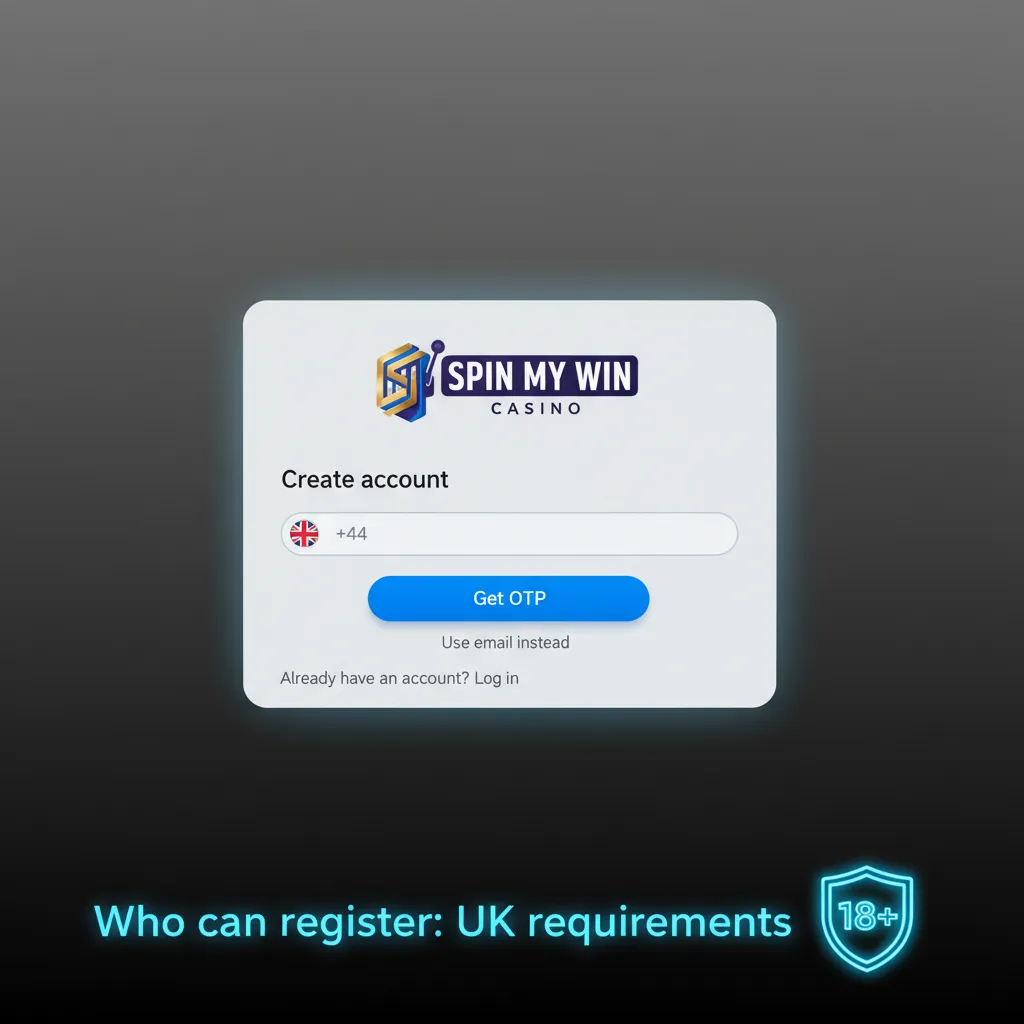
Registration on this site follows UK gambling rules. You must be an adult and provide accurate personal details. Documents are needed to confirm identity and address. One person can hold one account only. Payment methods must be in your name.
Verification is required under UK rules to confirm identity and protect your account. It enables deposits, withdrawals, and responsible limits. Spin My Win Casino account verification is faster when documents are clear and complete.
Upload a passport, UK driving licence, or national ID. All details must be visible.
Upload a recent utility bill or bank statement showing your name and UK address.
Provide a masked card photo or e-wallet/bank statement screenshot that shows ownership.
Share payslips, tax statements, or savings evidence.
You will receive confirmation by email. If anything is missing, you will be asked for more info.
You can access your gaming account in a few steps. Spin My Win Casino login supports email and social sign in options.
Select Sign in on the homepage.
Use your email/mobile and password, then press Sign in.
Choose Apple or Google if you registered that way.
Open the app, tap Sign in, and follow the same steps.
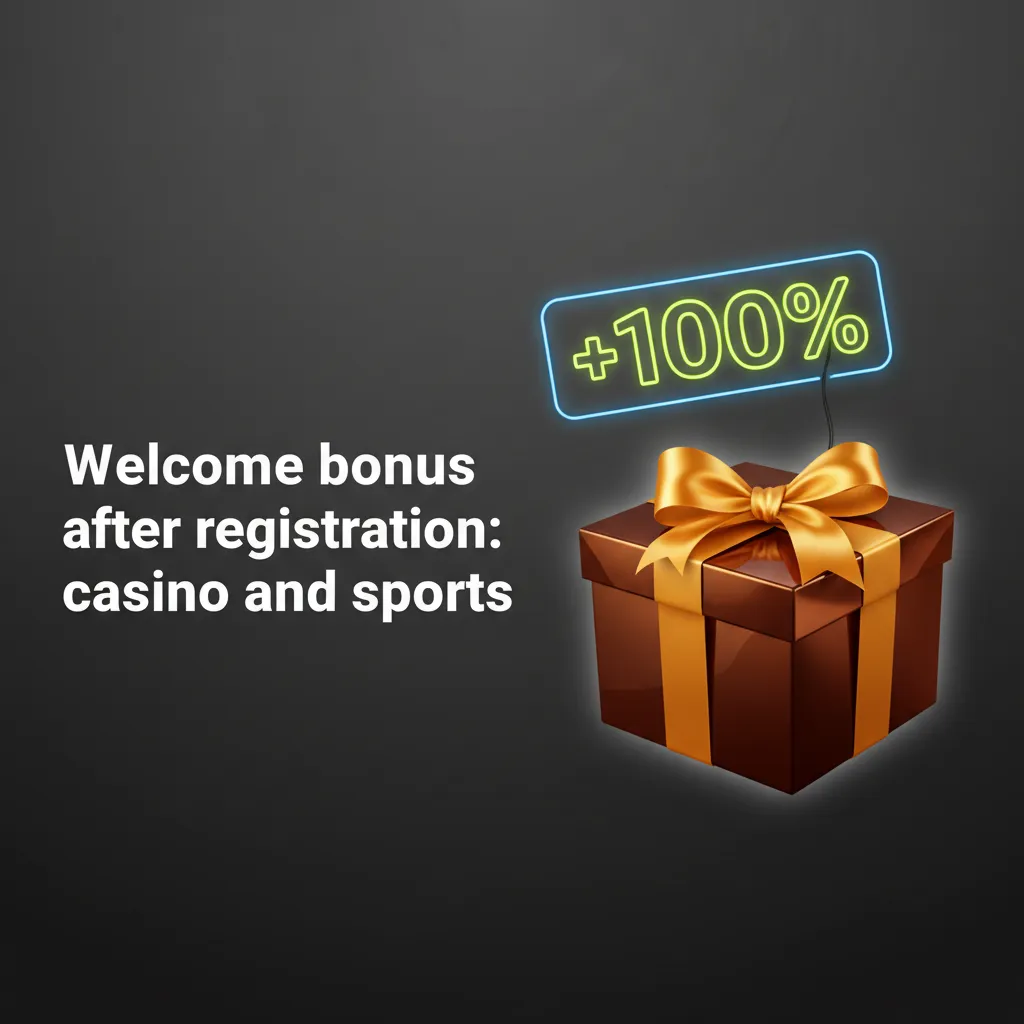
You can claim a three-part welcome bonus for casino and sports after you create your account. At Spin My Win Casino, the structure is: 12% on the first deposit from 20 EUR, 15% on the second from 50 EUR, and 17% on the third from 100 EUR. Wagering applies, and game weighting may vary by title.
18+. Bonus terms apply. Withdrawals are available once wagering is met.
You can claim the welcome bonus during or after sign up in the cashier. Follow these quick steps.
Create your account and verify email/SMS if prompted.
Select the welcome offer in the cashier if an opt-in is required.
Add funds that meet the minimum for each stage.
The bonus is credited after a qualifying deposit. Complete wagering before withdrawing.
If you run into a problem, try the checks below or contact support. Here are common issues and what to do.
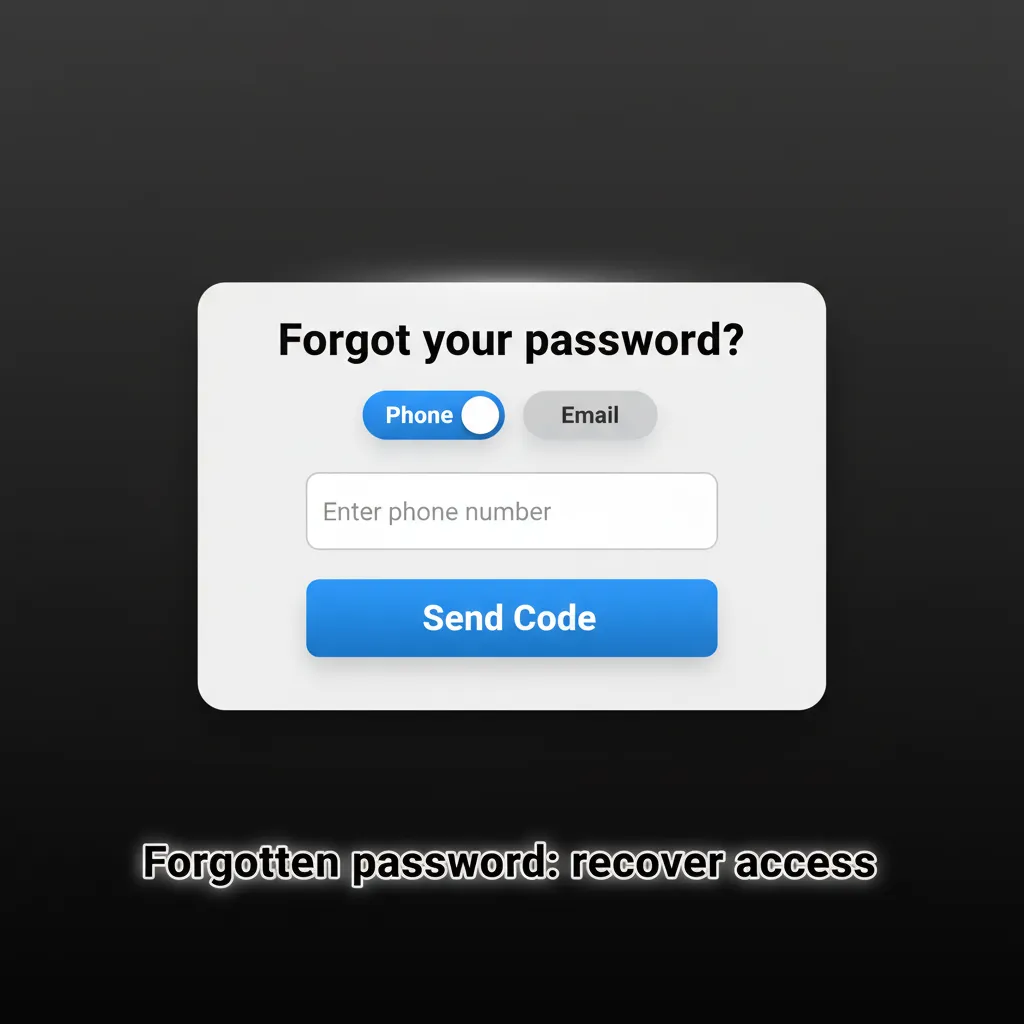
Resetting your password is straightforward. You can use email or SMS to regain access.
You can close your account if you no longer wish to gamble or for privacy reasons. For a break, you can request a time-out or self-exclusion via GAMSTOP.
Most checks complete within hours once documents are clear. Times can vary during busy periods.
If available in settings, turn on 2FA for extra security. Otherwise, login codes may be sent by email or SMS when needed.
Update details in Account settings. You may be asked for fresh proof of address after changes.
Processing starts after verification. Speed depends on your chosen payment method shown in the cashier.
No. Only one account per person, device, and household is allowed. Extra accounts are closed.
Updated: